
Identity
Make, model, year, color and nickname.
Give each car its own profile, keep the build details together and use that same Garage car for tracker preparation and linked private drives.
Sign-in required to add or edit cars · public build pages are read-only

The same Garage car carries through to tracker preparation and linked private drives.
Start with make and model. Add the details that make the car yours, then choose which vehicle is featured on the public Garage page.
Make, model, year, color and nickname.
Engine, owner-entered power, transmission and drivetrain.
Keep a modification list with the vehicle instead of splitting it across notes and posts.
Choose one primary build while keeping more than one vehicle in the same Garage.
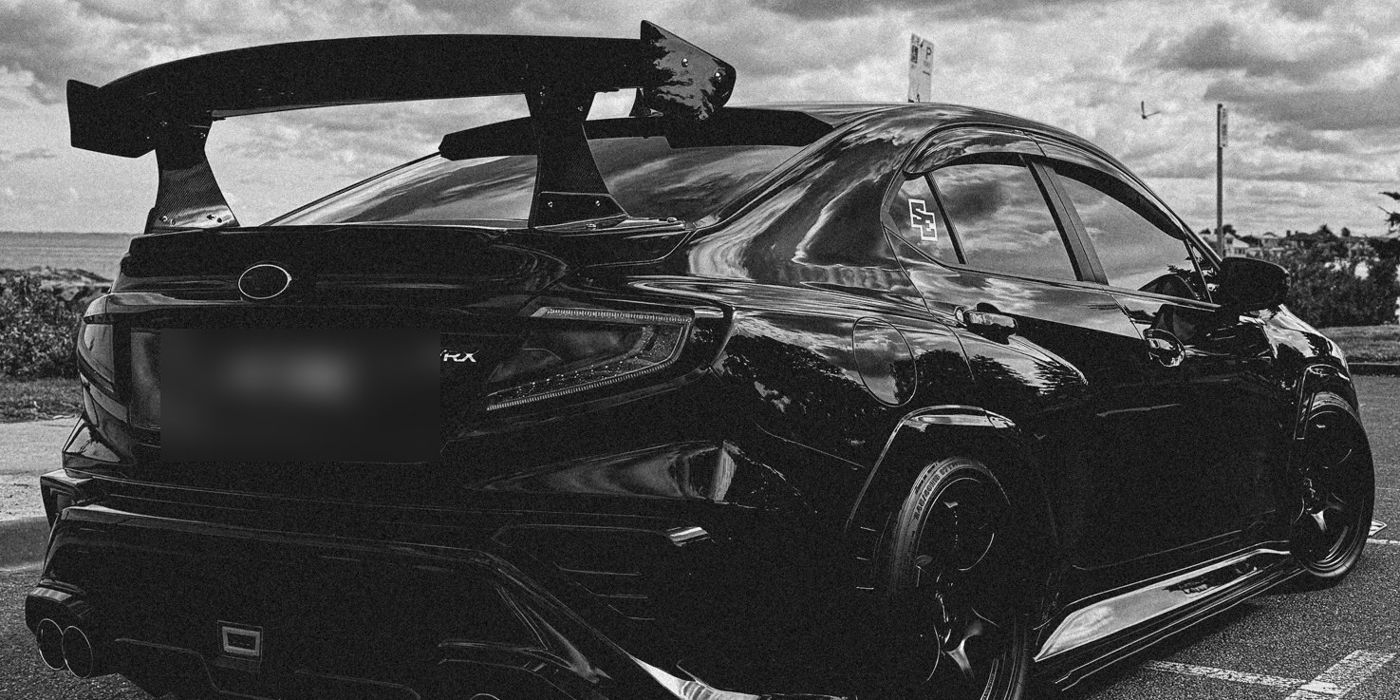
RevLink has a public Garages directory and owner-specific read-only build pages. The public layer shows selected vehicle details and supports more than one car under the same Garage.

Choose the primary build and keep the others available from the same Garage.
Show the vehicle identity and build specification without exposing registration or telemetry.
Add a main image and up to 12 gallery images in the owner editor. Public image delivery is still being finished, so the full gallery is not promised here yet.
Tracker preparation loads the signed-in customer's own Garage vehicles. Pick one or decide later. Preparing the draft does not charge a card, dispatch hardware or activate tracking.
Public Garage reads exclude registration, tracker/device identifiers, telemetry and precise location. My Drives requires sign-in, a verified device link and explicit telemetry consent.
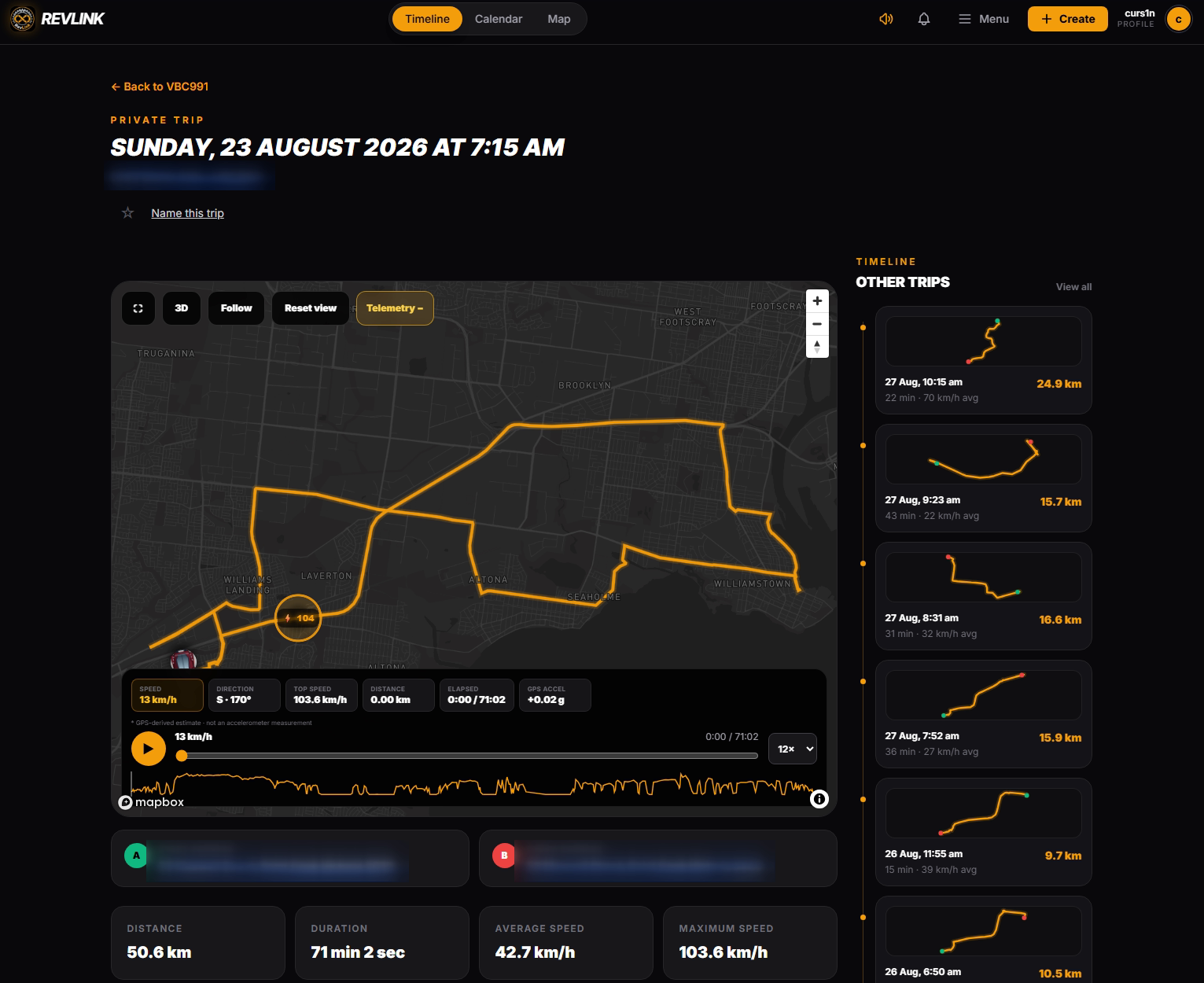
Add the car to your Garage now. You can use that same vehicle later when you prepare a tracker or open linked private drives.