RevLink features

Everything RevLink does.
In one place.

Find Melbourne and Victorian car meets, save weekend plans, build your Garage, replay private drives and check supported connected cars. Cruise Mode is shown separately as a Preview.

Available now

Built for the weekend—and the car you drive there.

RevLink connects discovery, your Garage and owner-only drive views without turning private location into a public profile.

Car Meets

Find it. Save it. Put it in your calendar.

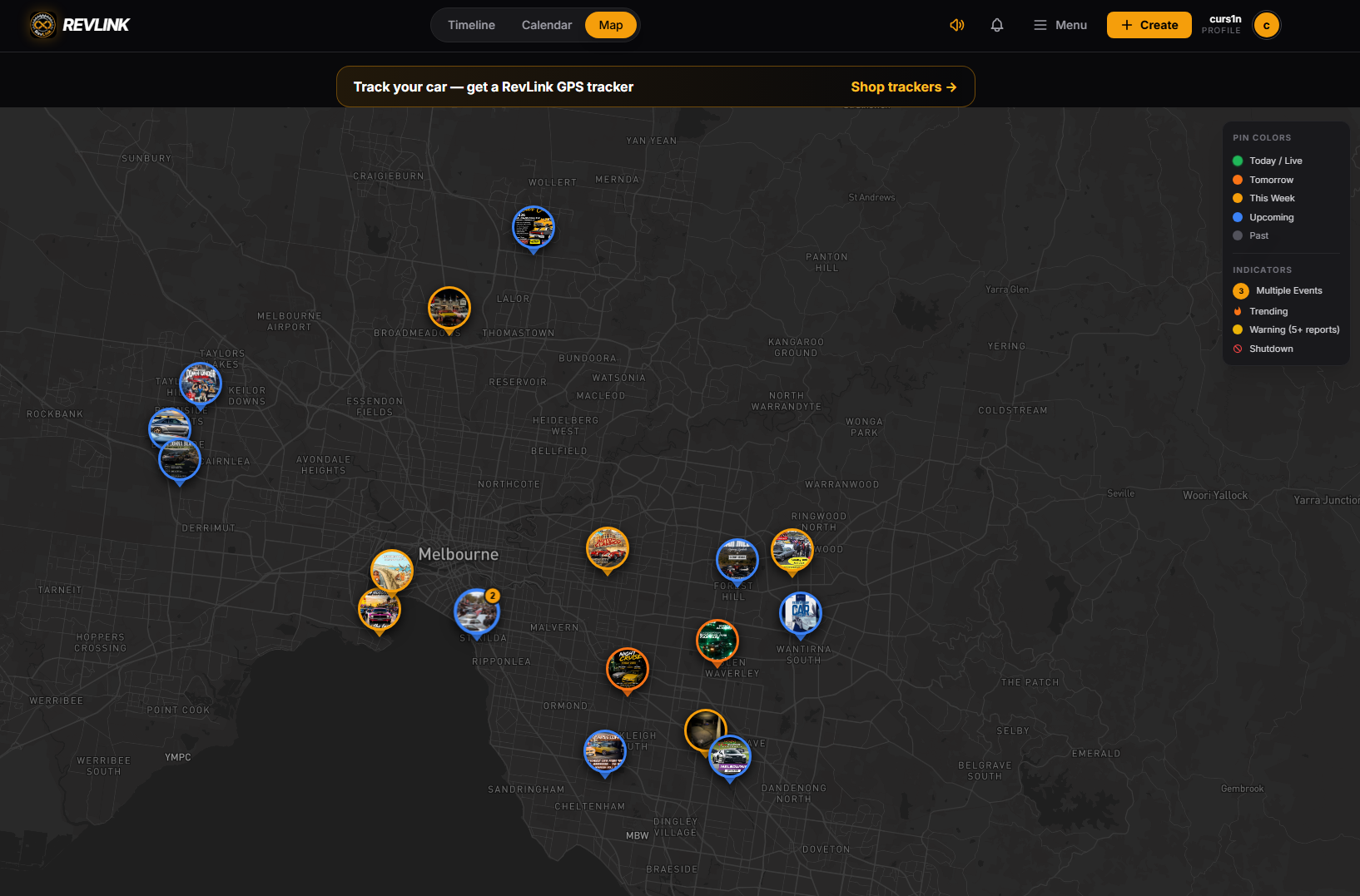
Browse current Melbourne and Victorian meets by date, category and place. Open the organiser link for the latest details, tap Save Meet to keep it in My Meets, then add it to Google Calendar or download the calendar file for Apple and other apps.

  • Discover: current meet listings and organiser links.
  • Save: keep dates, venues and actions in My Meets.
  • Plan: Google Calendar and downloadable calendar-file actions.
Browse current meets ↗
RevLink event map showing current meet discovery
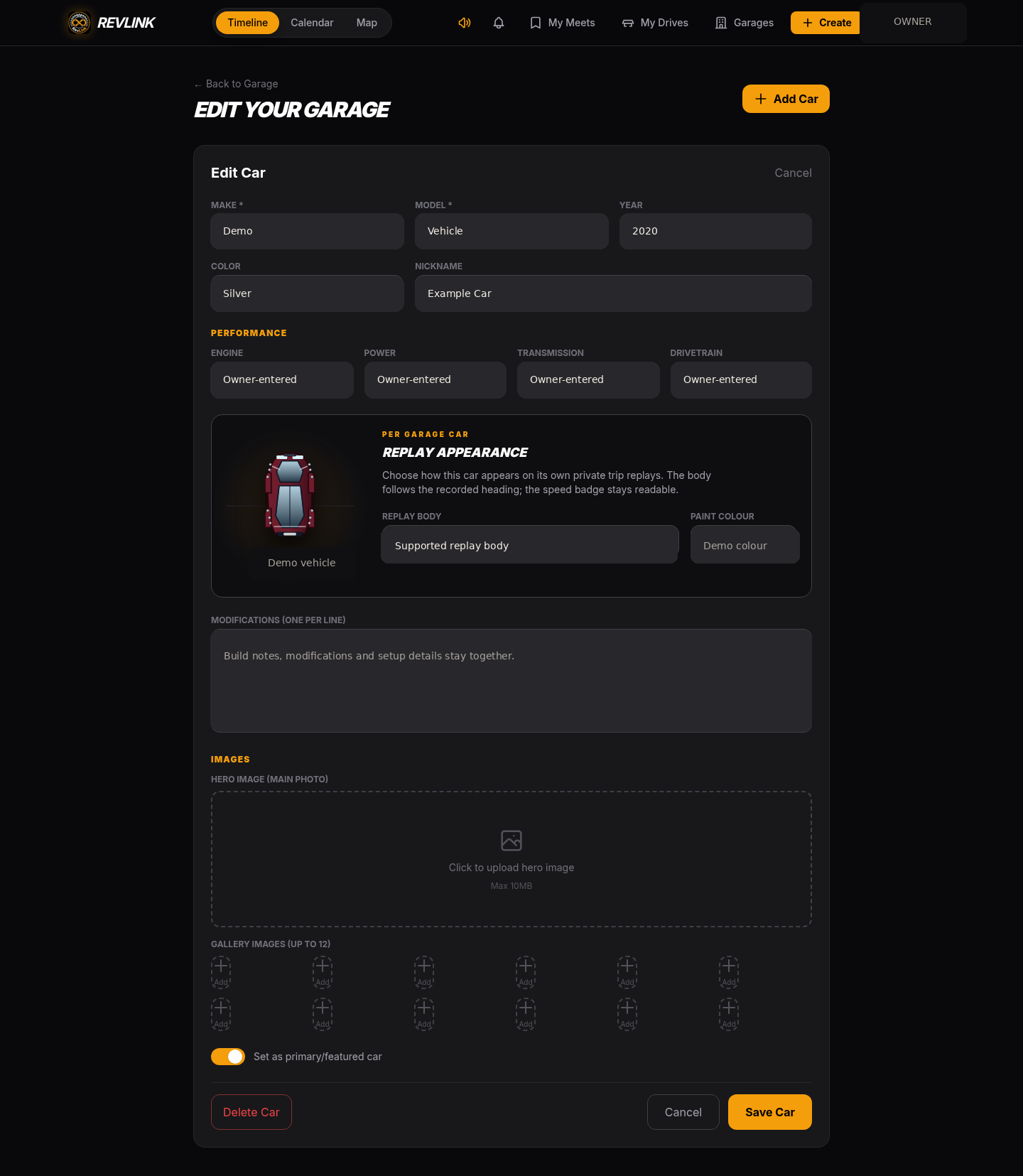
My Cars · Garage

Give every car its own place.

Create a profile for each vehicle and keep its build details and photos together. The same Garage car can later be selected for tracker preparation and linked private drives.

  • Public by choice: share selected build details.
  • Private by design: registration, tracker identifiers, telemetry and precise location stay out of public Garage profiles.
  • Connected later: adding a car alone does not activate tracking.
Explore My Cars
RevLink Garage editor showing vehicle details, replay appearance and photo controls
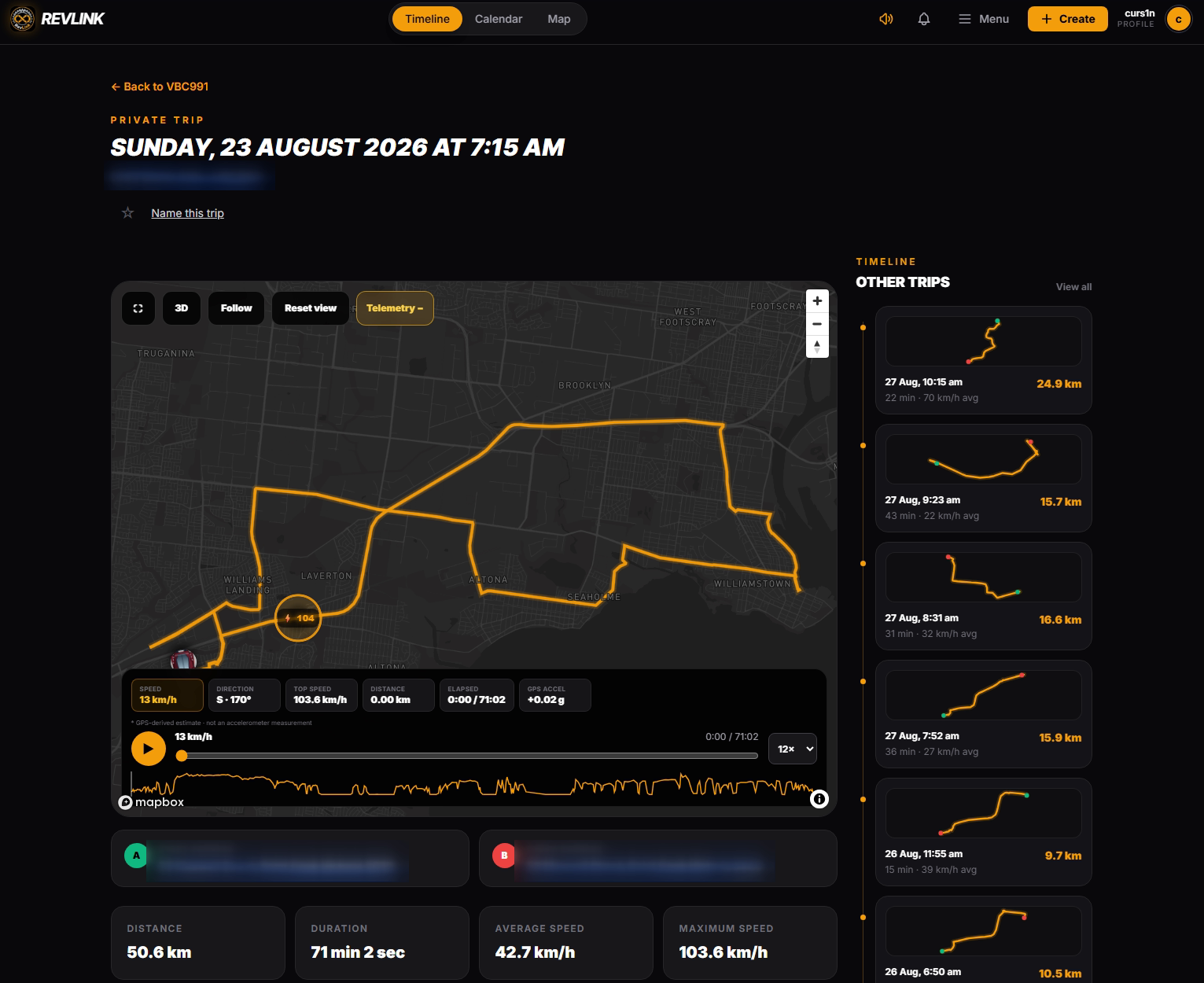
Private Trips & 3D Replay

Open a past drive. Follow the route.

Find a recorded drive, open its route and move through the timeline with trip data attached. Switch to 3D and use Follow mode or move the map yourself. History remains inside the owner account.

  • Organised history: filter by car, date, title or favourite.
  • Replay: route, timeline, trip totals and available telemetry together.
  • Your replay car: supported body and paint choices can match each Garage vehicle.
See Trips & Replay
Privacy-redacted RevLink private trip with route replay, telemetry and trip summary
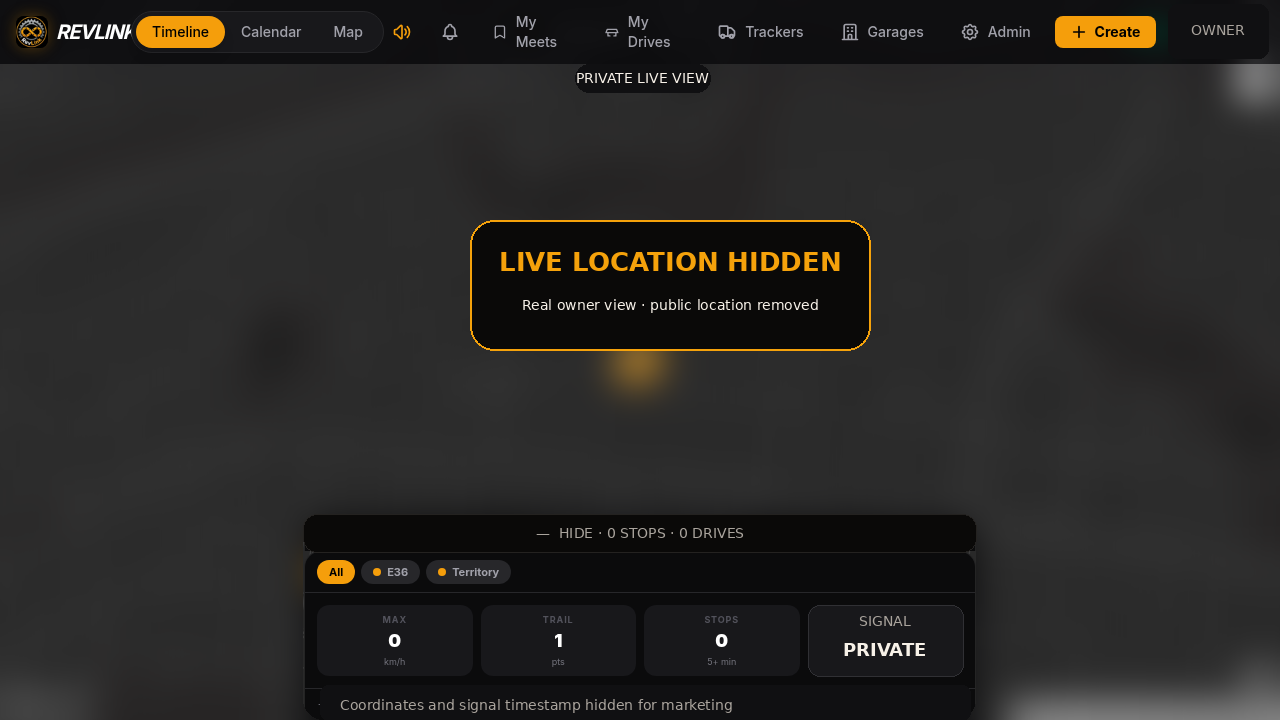
Latest reported position

Check your car. Keep the map private.

For a supported linked vehicle, Personal Live shows the latest available position and connected state in the signed-in owner account. When supplied by the feed, direction, ignition, motion and update status add context.

  • Freshness matters: check when the car last reported.
  • Day context: trail points, stops and drive segments can explain the latest position.
  • Not continuous: reporting depends on device, GPS, network, power and ingestion.
Check Car Location
RevLink owner-only latest vehicle position view
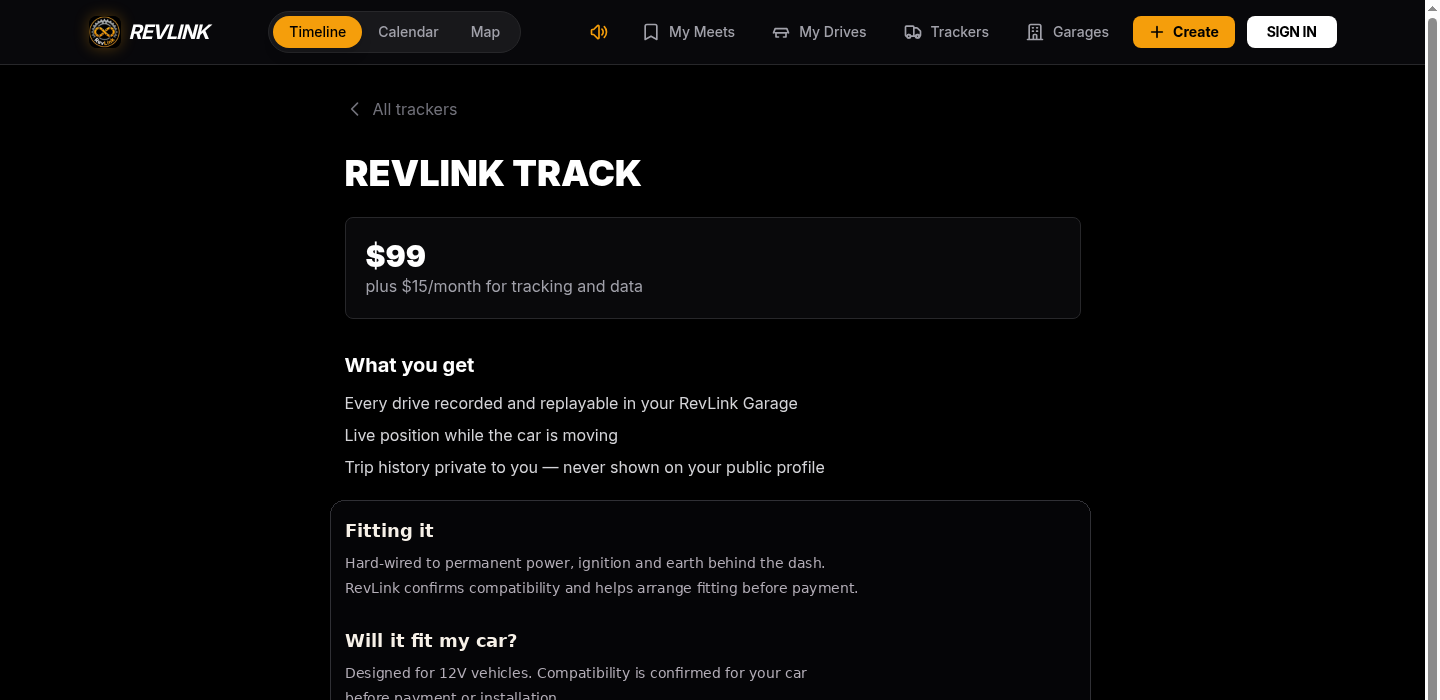
GPS Tracker choices

Choose a fit. Prepare a draft.

Compare hard-wired and plug-in OBD tracker choices in the live app, where current compatibility, price and availability are confirmed. Choose an existing Garage car, add one or decide later.

  • Hard-wired: a less visible permanent fit; fitting arranged separately.
  • OBD: a plug-in connection that is easier to move between compatible cars.
  • Draft first: preparing a draft does not charge a card, dispatch hardware or activate tracking.
Compare GPS trackers
RevLink tracker product detail showing current price and fitting information
Available now

Cruise Mode: see who’s out, live.

Any signed-in RevLink member can see active public cruisers live, whether or not they are broadcasting. Private cruises stay off the shared map, origin protection keeps home addresses hidden, and ended, expired or positions older than five minutes are not shown.

Available now · Cruise Routes

Plan the stops. Take the route with you.

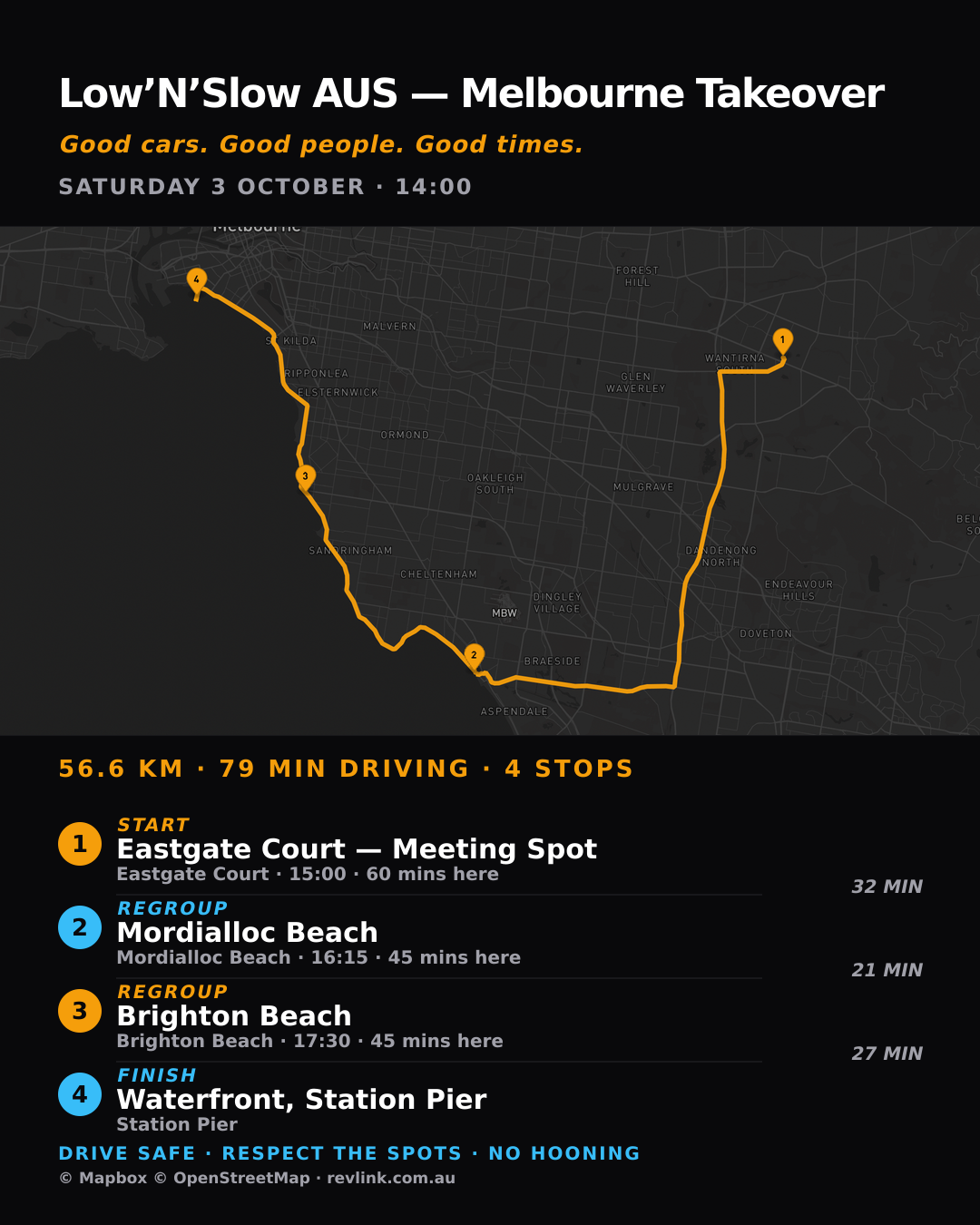
Build a multi-stop Cruise route, then open navigation in Google Maps, Waze or Apple Maps. Export GPX when that suits the group, and publish a share poster for the route.

  • Multi-stop planning: put waypoints in the order the cruise needs.
  • Navigation handoff: continue in Google Maps, Waze or Apple Maps.
  • Share options: export GPX or publish a route poster.
Plan a Cruise Route ↗
Published RevLink cruise route poster with mapped multi-stop route, times and waypoint cards
Ready now

Start with the feature you need.

Browse a meet, add a car or sign in to open your private connected-drive views.