2D or 3D
Switch perspective without leaving the trip.
Open a private trip, switch to 3D and turn on Follow mode to watch the route from behind the replay car. The route, telemetry and trip history stay inside the owner account.
Private replay example
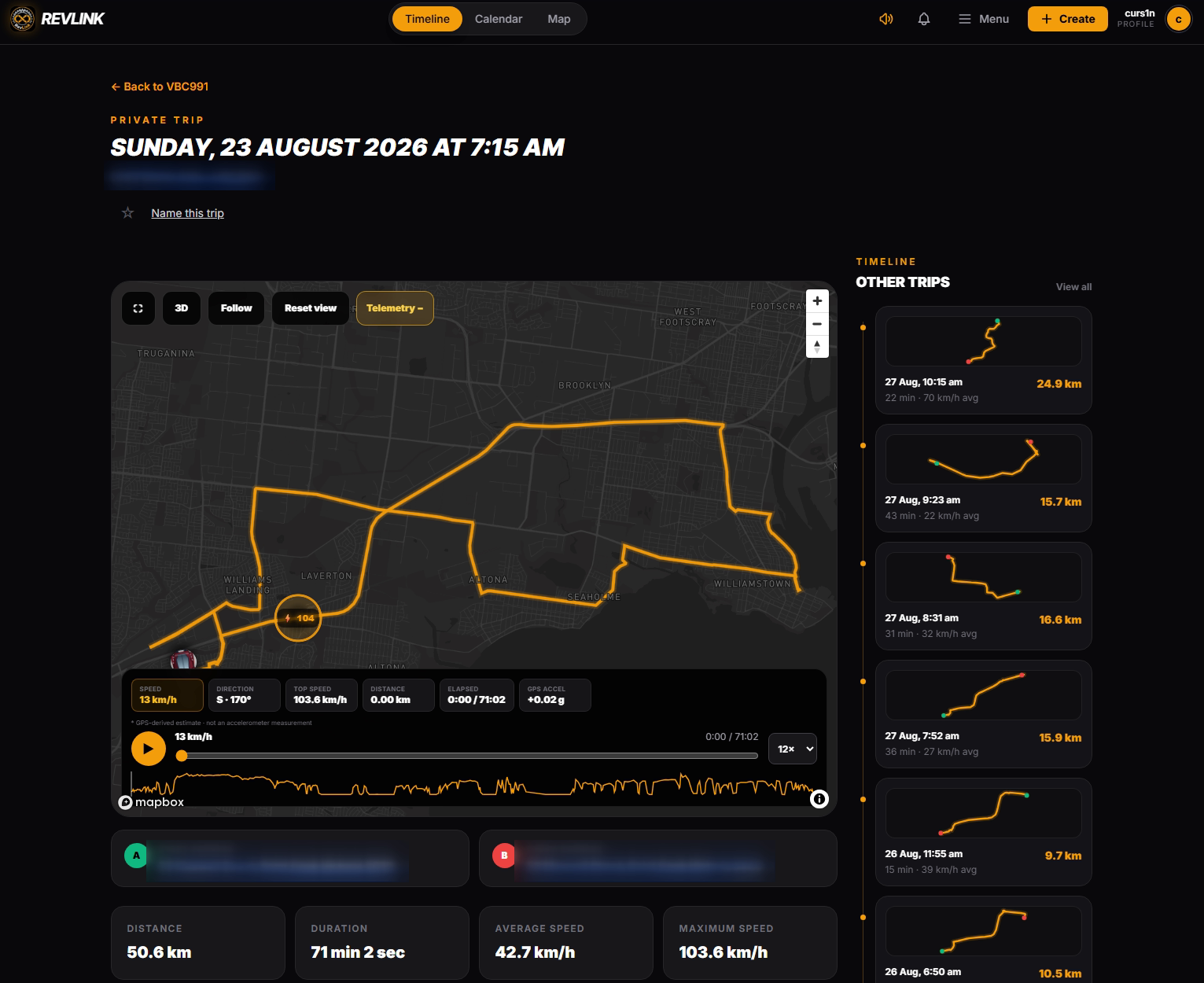
3D, Following, Reset view and Telemetry controls are visible together.
The map is part of the replay, not a background graphic. Follow mode tracks the replay car until you move or zoom the map yourself.
Switch perspective without leaving the trip.
In 3D, the camera sits behind the replay car and turns with the recorded route.
Speed, direction, top speed, distance, elapsed time and GPS acceleration remain attached to playback.
Run the trip at 1×, 4×, 12× or 30× and reset the view whenever needed.
Vehicle, date, title and favourite filters keep the trip library usable. Naming and favourites stay owner-scoped, and related private trips sit beside the active replay.
Street and endpoint labels are hidden in this public example.
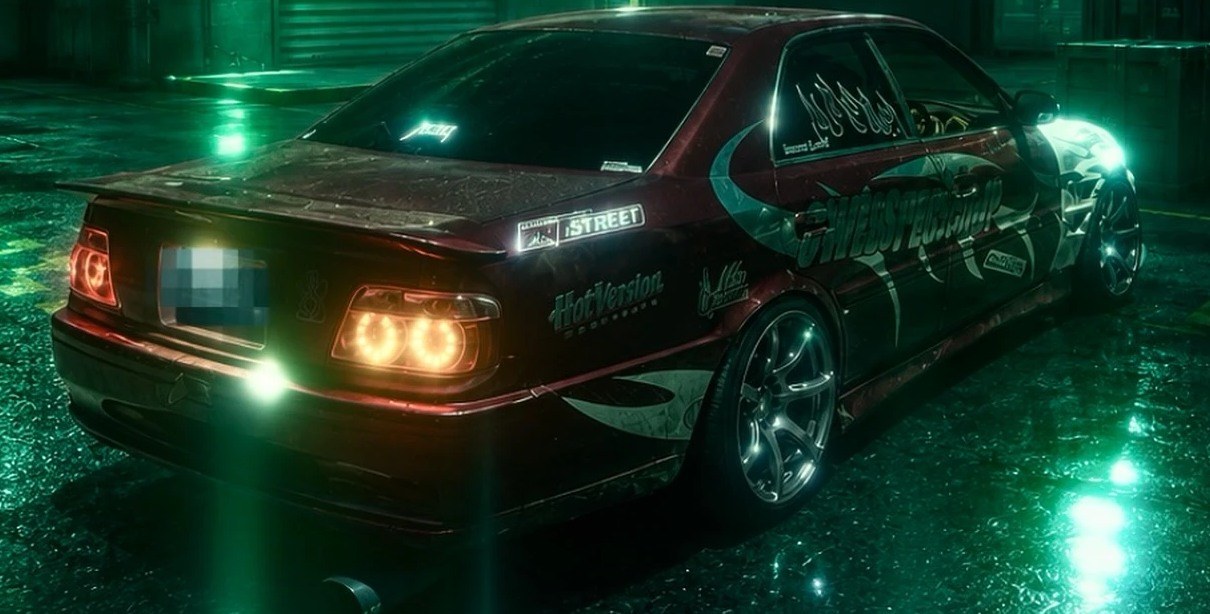
Each Garage vehicle can choose a supported replay body and paint color for its own private trips. The speed badge stays readable while the body follows the recorded heading.
My Drives keeps trip history, replay and telemetry in the signed-in owner experience.